Skip to content
Webflow Enterprise Partner

Webflow integrations that keep leads and data moving between your website and your stack

We plan, build and test the connections between Webflow and your CRM, analytics and automation tools, so leads reach the right system and failures get caught before they cost you pipeline.

Axiom SpaceCMS frameworks · Live video integration · Webflow migration
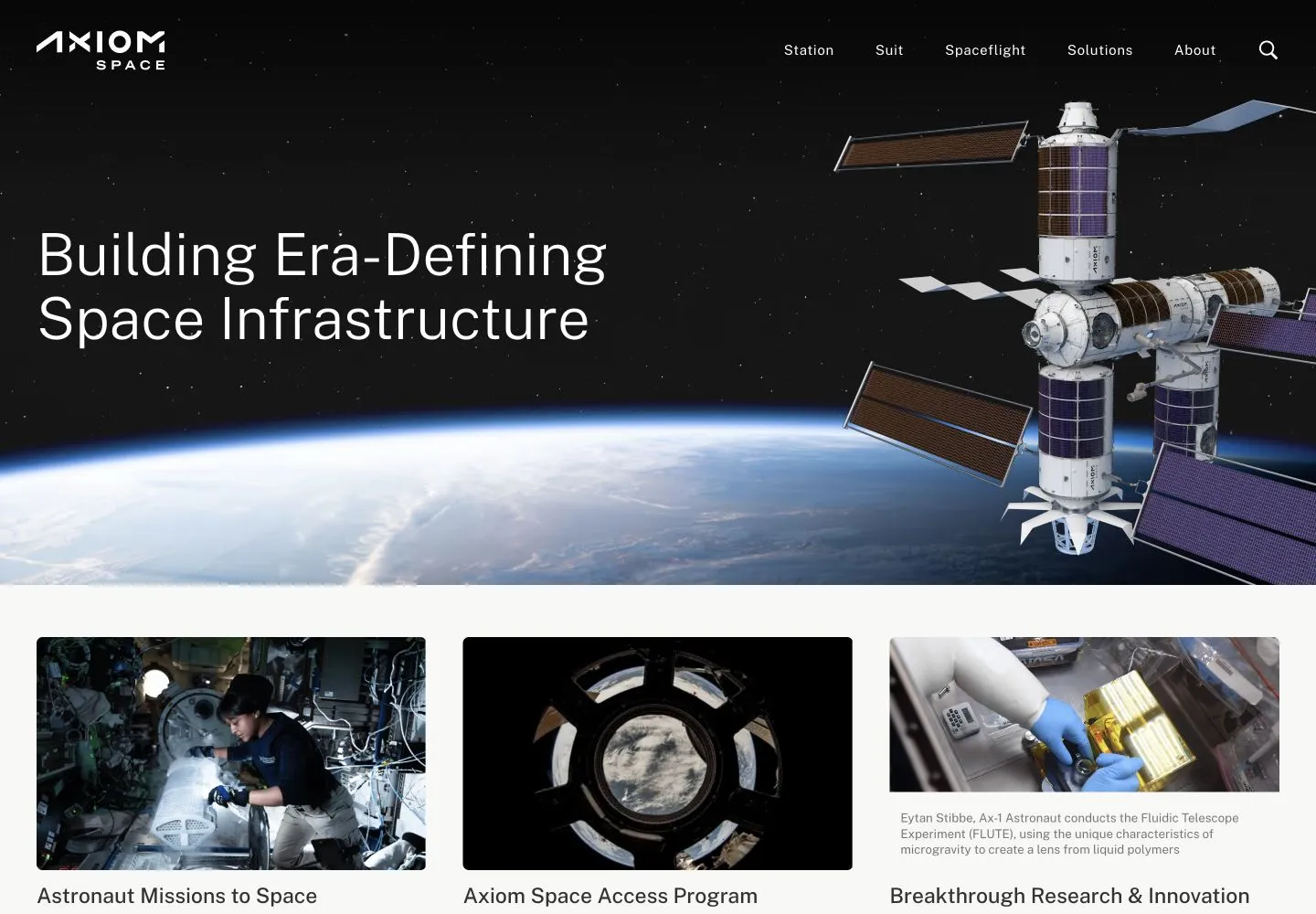
Axiom Space website built by Beqi

Trusted by 140+ enterprise and fast-growing teams

If your website and your CRM don’t work together reliably, this is built for you

An integration is easy to switch on and hard to keep working. Most are set up once by whoever had access, with no owner, no test and no documentation. They work until a form field changes or a tool updates, and then leads go missing for weeks before anyone notices.

If any of these sound familiar, we can help:

  • Form submissions reach the CRM late, incomplete, or not at all
  • Attribution breaks somewhere between the website and HubSpot or Salesforce
  • Zaps and automations were built by someone who left, and nobody dares edit them
  • Analytics numbers don’t match what sales sees in the CRM
  • Security or engineering must approve every new tool, and has nothing to review
  • CMS content is copied in by hand, because nothing syncs it

What’s included in our work?

01

Integration planning

Before anything is connected, we map what data moves where, who owns each system and what access it needs. The plan is reviewed with your engineering and security teams, so permissions, data handling and approvals are settled before the build starts.

02

Webflow CRM integration

Forms are connected to HubSpot, Salesforce or the CRM you run, with fields mapped, routing rules set and attribution passed through. Every Webflow HubSpot integration or Webflow Salesforce integration is tested with real submissions, so each lead lands where sales expects it.

03

Analytics and form tracking

Google Analytics, Tag Manager and your ad platforms are set up so events fire once, with consistent names, across every page and form. Webflow form integrations are checked end to end, so the numbers in analytics match the leads in your CRM.

04

Automation with Zapier and no-code tools

Routine handoffs like notifications, enrichment and list updates, are automated with Webflow and Zapier, Make or the tool your team already uses. Each no-code integration gets a named owner and failure alerts, so a broken step is noticed the day it happens.

05

Webflow API integration

Where a ready-made connector isn’t enough, we build on the Webflow API and CMS API: syncing content from another system, creating CMS items automatically or connecting internal tools. Custom code is kept small, versioned and documented for your engineers.

06

QA, documentation and handover

Every integration is tested on staging before it goes live, then documented: what it does, what it depends on and how to change it. Your team gets one reference for the whole setup, so maintenance doesn’t depend on one person’s memory.

Not included: E-commerce and payment integrations, and custom software beyond the website. Bringing AI into your content process is covered by our AI Enablement service.

CMS frameworks · Live video integration · Webflow migration

How Axiom Space connected live launch video to its CMS

Axiom Space publishes missions, astronaut profiles and live launch coverage, and its old site handled each one by hand. Beqi built CMS frameworks for missions and astronauts, and integrated live video into the publishing flow, so mission footage connects directly to CMS-powered pages. The content team now publishes a new mission without custom work each time.

1 day

to publish a new mission

+22%

site engagement

3

connected frameworks

Axiom Space website built by Beqi
“The Beqi team did more than migrate our site - the team laid a foundation and created scalable data-driven frameworks for an online presence to match our aspirations here on Earth and in low-Earth orbit.”
Manny Jawa, Digital Content & Media Manager, Axiom Space

How a Webflow integration project runs

01

Map

We list every system, data flow and owner, and agree on the plan with your engineering team. Access and permissions are settled first.

02

Build

Integrations are built on staging, with fields, routing and events configured. Any custom API work is kept small and versioned.

03

Test

Each flow is tested end to end with real submissions before your sign-off. Nothing goes live until the data lands where it should.

04

Document

You get one reference for every integration and how to change it. Later changes can continue under an Ongoing Partnership.

Built for enterprise teams

Proven expertise:

Webflow Partner since 2017 and Enterprise Partner since 2021. Trusted by 140+ teams, including Loom, Axiom Space, Petal Card and Dexterity.

Clear accountability:

One named lead owns your work, with a shared Slack channel and regular reviews, so you always know where things stand.

Controlled delivery:

Every change is built and reviewed on staging, tested against a QA checklist, and goes live only after your team’s sign-off.

Permissions and governance:

Roles and publishing rights are set per person, so the right people can publish and nothing goes live by accident.

Integrations:

Each one is planned with your engineering team, tested before it goes live, and documented for whoever maintains it next.

Frequently asked questions

What can Webflow integrate with?
How does a Webflow CRM integration work?
Should we use Zapier or the Webflow API?
How do you handle security and permissions?
What happens when an integration breaks?
How much do Webflow integrations cost?

More services

Trusted by 140+ enterprise and fast-growing teams

Ready to connect Webflow to the rest of your stack?

Tell us which tools you run, what should connect to what, and where data goes missing today in the project form. We’ll come back with how we would plan it, and what it would take.